What is STT? How speech to text works
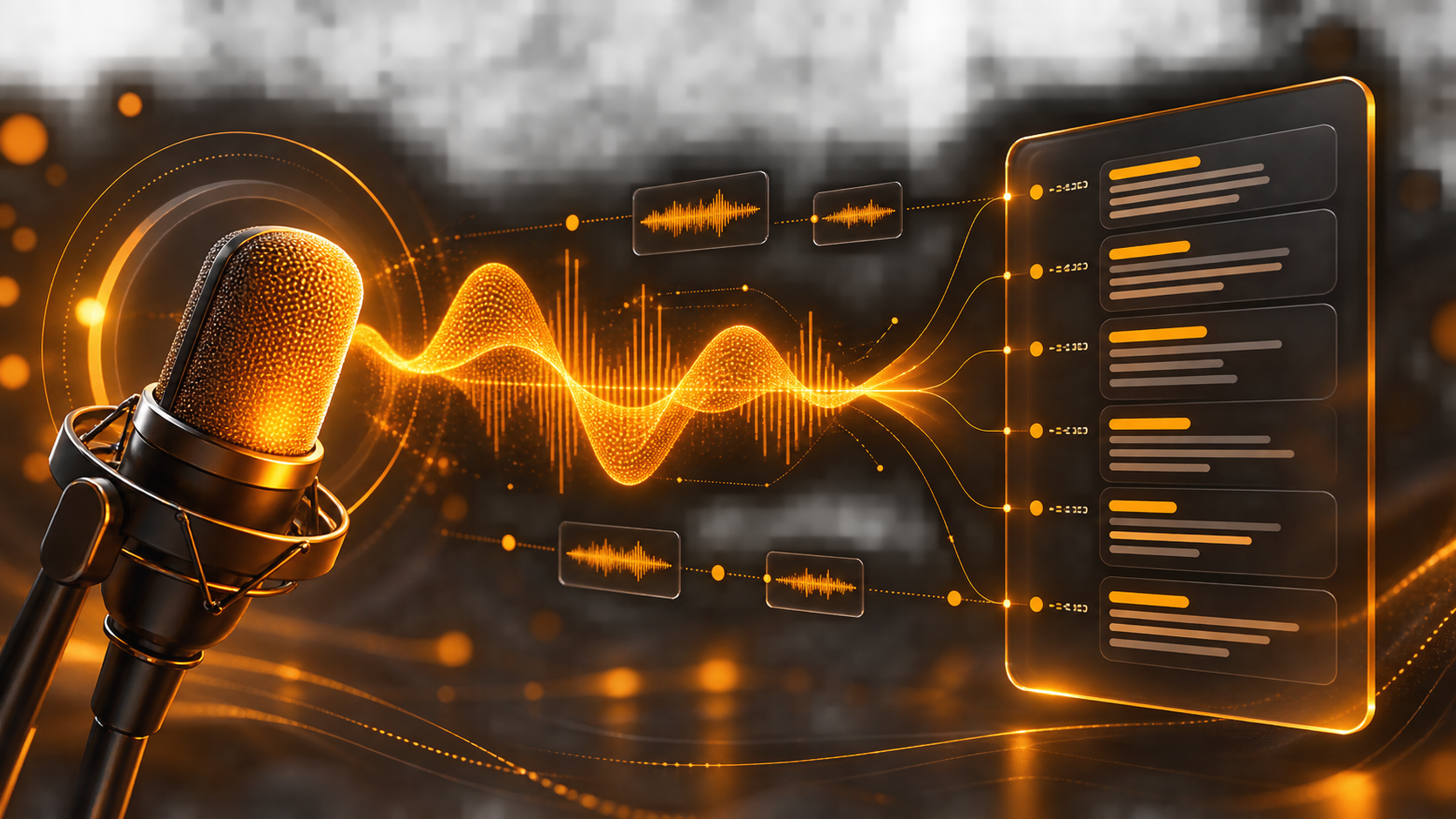
What is STT? STT, short for speech to text, is a technology that turns spoken audio into written text. You record speech or upload an audio file, select the language when needed, and the system returns a transcript that people or software can read, search, edit, or analyse.
STT is also called automatic speech recognition (ASR). It can turn a meeting, a call, an interview, or a voice note into text without someone typing every word by hand. A transcript is useful, but it is not automatically a verified record: important names, figures, and decisions should still be reviewed.
What does STT mean?
STT means speech to text. The goal is to recognise speech in an audio signal and represent it as words and sentences. Some systems can add punctuation, return timestamps, or separate portions spoken by different people. These features depend on the service, language, audio type, and configuration.
Speech-to-text services may process a completed file, listen to a live audio stream, or do both. Microsoft’s speech-to-text documentation distinguishes real-time and batch transcription; the right option depends on whether text is needed while someone is speaking or after the recording ends.
How does speech to text work?
The exact model differs by provider, but an STT system usually follows a process like this:
- It receives audio. The input can come from a microphone, a call recording, or an uploaded file.
- It analyses the sound. The system examines short pieces of the audio signal and looks for features that carry speech information.
- It predicts language units. A recognition model estimates which sounds, words, and phrases most likely match the audio and the selected language.
- It formats the result. The system returns text and may also add punctuation, timestamps, confidence information, or speaker labels.
The model does not hear a recording in the human sense. It estimates the most likely text from sound patterns and its learned language knowledge. That is why two similar-sounding words, a noisy room, or an unfamiliar name can change the transcript. Google’s Speech-to-Text overview describes STT as integrating speech-recognition technology into applications through an API.
What is the difference between real-time and file transcription?
Real-time transcription produces text while speech is happening. It is useful for live captions, voice input, assistants, and meeting notes that people need immediately. The system may show partial text first and refine it as more audio arrives.
File or batch transcription processes a recording that already exists. It is a good fit for interviews, lectures, podcasts, call archives, and a large collection of audio files. Because the recording is complete, the workflow can focus on a final transcript rather than immediate response time.
Neither option is universally better. Choose real time when latency matters; choose file processing when the recording can be handled after it ends and a review workflow is available.
What affects transcription quality?
Audio quality is only one part of the result. The clearest recording can still contain names, product terms, mixed languages, or accents that need review. Common factors include:
- background noise, echo, and microphone distance;
- people speaking over one another;
- the selected language or locale;
- speech speed, accent, and regional pronunciation;
- uncommon names, abbreviations, and domain terminology;
- the recording format and whether speech is loud enough.
Make the source audio as clear as practical, then test it with the type of speech your users actually produce. A model that works well for a quiet voice note might perform differently on a noisy support call or a meeting with several speakers.
What can you do with an STT transcript?
Once audio becomes text, it can participate in the same workflows as other written information. Typical uses include:
- searchable notes from meetings, interviews, and lectures;
- captions and subtitles for video;
- call transcripts for support and quality review;
- voice input in a product or form;
- a searchable archive of audio recordings;
- a starting point for summaries, tasks, or follow-up messages after human review.
Transcription and understanding are separate tasks. STT can create the text that another tool uses, but a summary or business decision should not be treated as correct merely because the original audio was transcribed.
How should you review and use transcripts responsibly?
Review any text that affects a person, a contract, a payment, medical information, or a legal decision. Check names, numbers, dates, and critical instructions against the recording. If several people speak, verify speaker labels before using them as evidence.
Audio can contain personal or confidential information. Before sending recordings to a service, make sure you have the right to process them, understand where they are handled and retained, and tell participants when consent or notice is required. Choose a workflow that lets authorised people correct mistakes rather than treating the first transcript as final.
Try multilingual speech to text with NeuronAI
NeuronAI’s Speech-to-Text page lets you record speech or upload audio and receive a transcript. The product experience supports Uzbek, Russian, and English, with features such as punctuation and speaker separation presented on the page.
Start with a short real recording from your workflow. Check the text against the audio, note the words that matter most, and test a few realistic conditions before building an automated process around it. The most useful STT setup combines suitable audio, the right language setting, and a clear human review step.